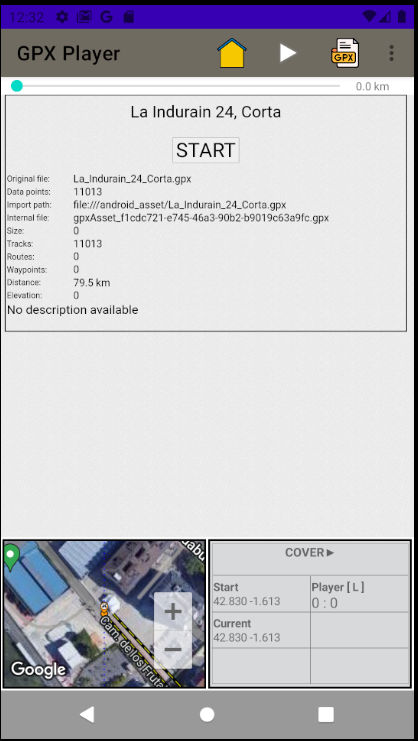
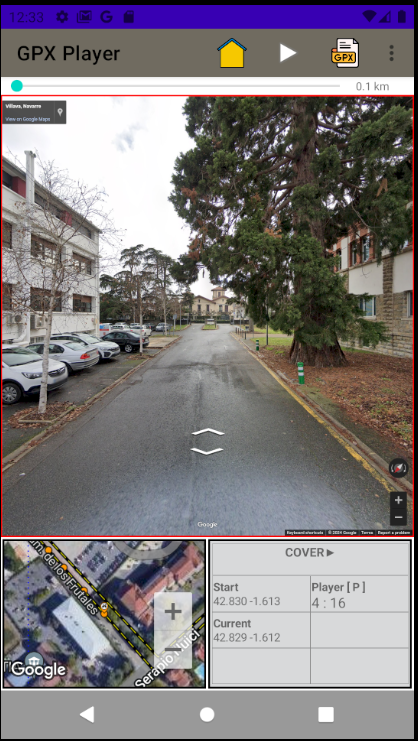
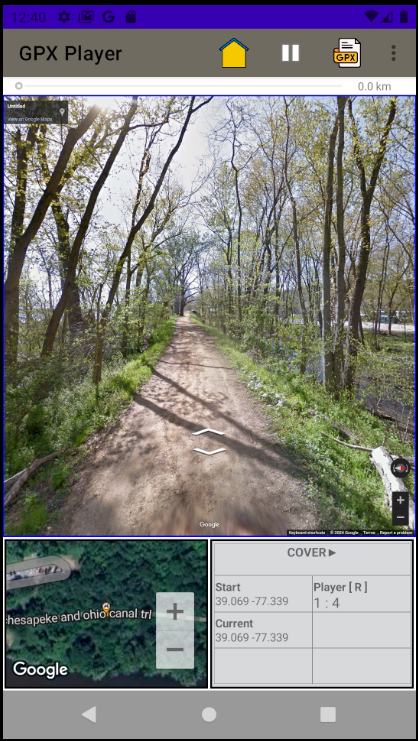
The GPX Player Android App plays your GPX data at street view using Google's StreetView. Load your GPX which you have downloaded or import directly from your favorite Apps such as RideWithGps or Strava.
Details
GPX is an XML schema used to describe an activity such as cycling. It is in common use among popular activity apps such as Strava and RideWithGps.
StreetView is a web service provided by Google which shows available imagery for a location at street-level.
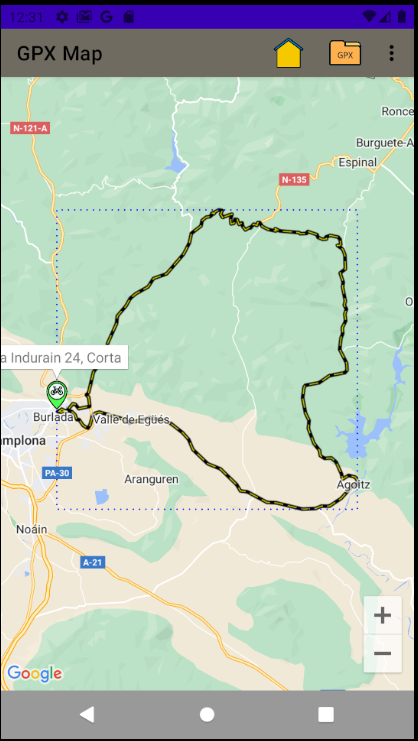
Combining the two concepts results in the ability to view a recorded cycling GPX activity in a frame-by-frame sequence. This allows one to see what the ride looks like at points along the route.
Sample GPX
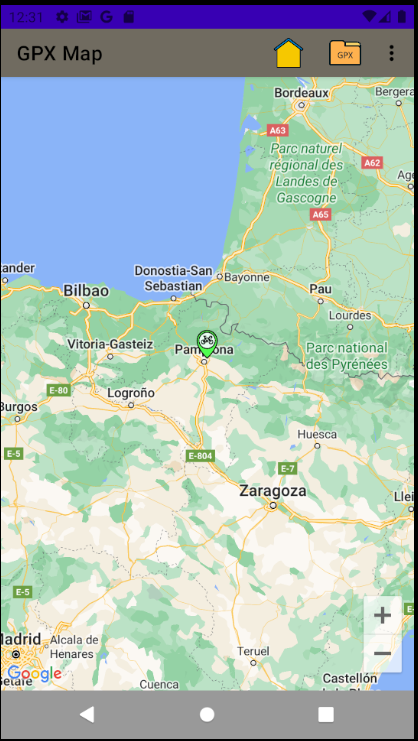
The App is installed with sample GPX files which span the globe and are easily discovered using the Map feature.
Download Samples
As of 0.2.2, GPX samples can be downloaded from this developer site when the new option ("Download GPX data samples.") is enabled. Initially the option is disabled. Change the option settings using "Settings".
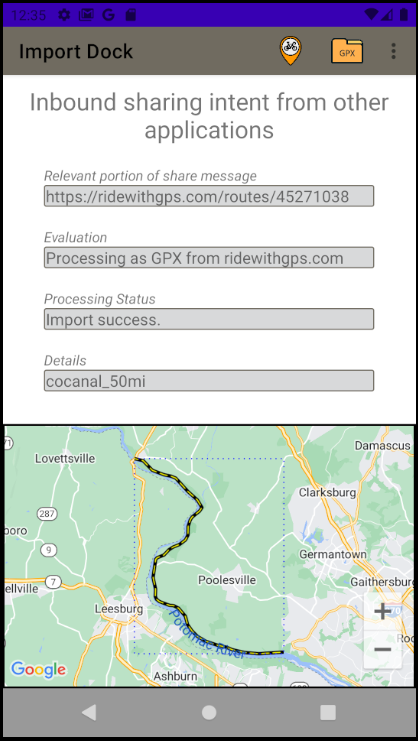
There are two ways to import GPX data into the app: (1) by selecting downloaded files in the android file explorer or (2) using the Strava or RideWithGps Apps to "share" an activity.
Downloaded Files
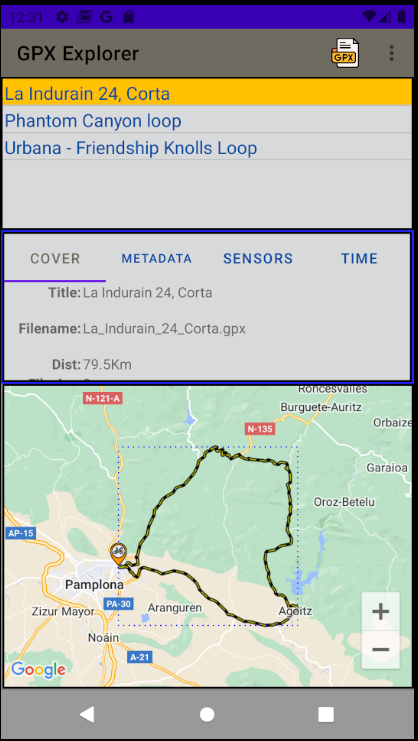
This icon in the toolbar allows one to explore their device for GPX files and import them into the App. After clicking on the import icon, Android presents the file explorer; click on the desired file and it will be imported by the app.
Example: Garmin Connect
Use the device's web browser and navigate to connect.garmin.com, locate your activity and use the "gear" icon to then download the GPX file. Once downloaded, use the App to open the GPX file (in the Downloads folder) as mentioned above.
Shared Data
Currently the App supports the ability to Share data from the Strava App and the RideWithGps app links. Using these apps allows one to export a GPX file into the GPX Player app for use.
In those apps, find the "Share" icon and then choose the GPX Player app among the long list of apps. The first time the GPX Player will appear in the "more" section and after use will appear in the initial Apps.
Screens
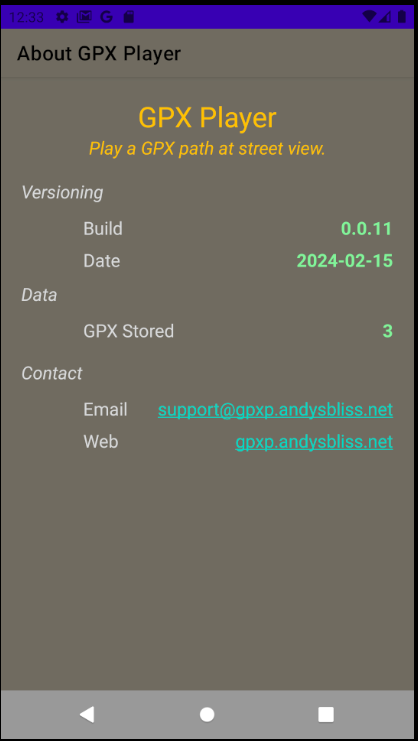
See this page for a full list of screenshots. Here is a small sample:
Settings
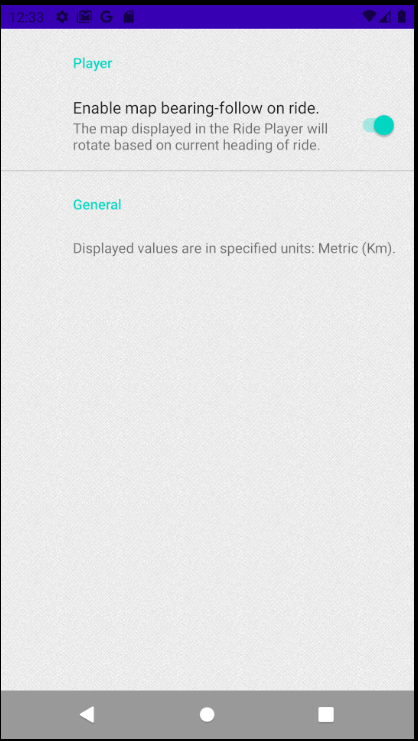
The settings screen currently contains the following and is explained in detail here:
The following applications have been tested with this App.
There are two methods for sharing GPX data from other Apps with the GPX Player:
Using the share icon in the source App and selecting the GPX Player for the target App.
Using the download functionality of the source App. The GPX Player app is then used to import the downloaded file from the download folder.
Source Apps Tested
Strava App
Activities from the Strava App can be shared (method 1) with the GPX Player app.
Ride With Gps
Routes and rides can be shared (method 1) from the RideWithGps with the GPX Player app. Details
Komoot
Routes are downloaded from the Komoot App and then imported from the downloads folder in the GPX Player app.
ROUVY
From ROUVY (using Web browser), activities first need to be shared with RideWithGps; from RideWithGps the "Share" can then be shared with GPX Player app using "Share Link" and select the GPX Player.